Mobile App Design
Y.AI Digital Recipe Assistant
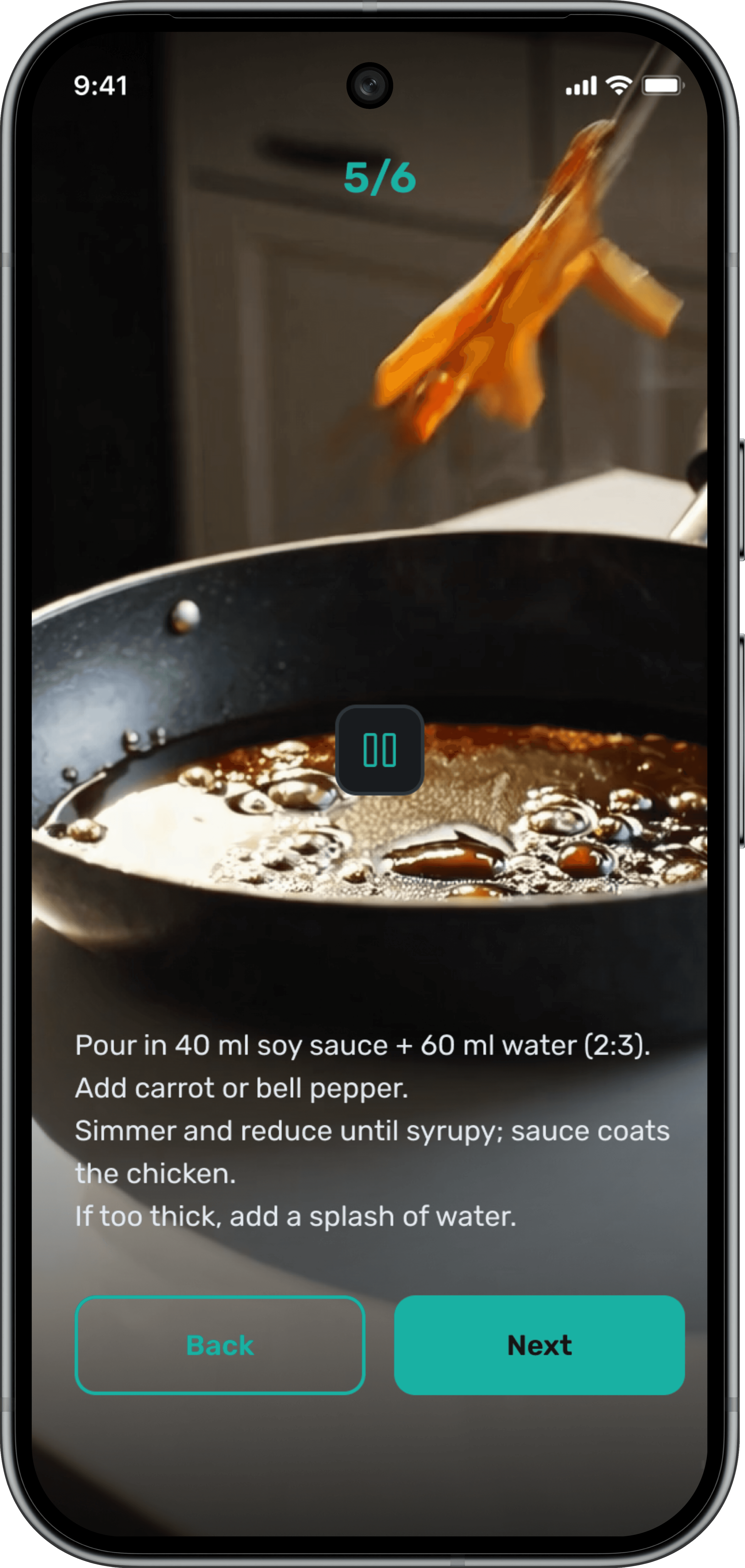
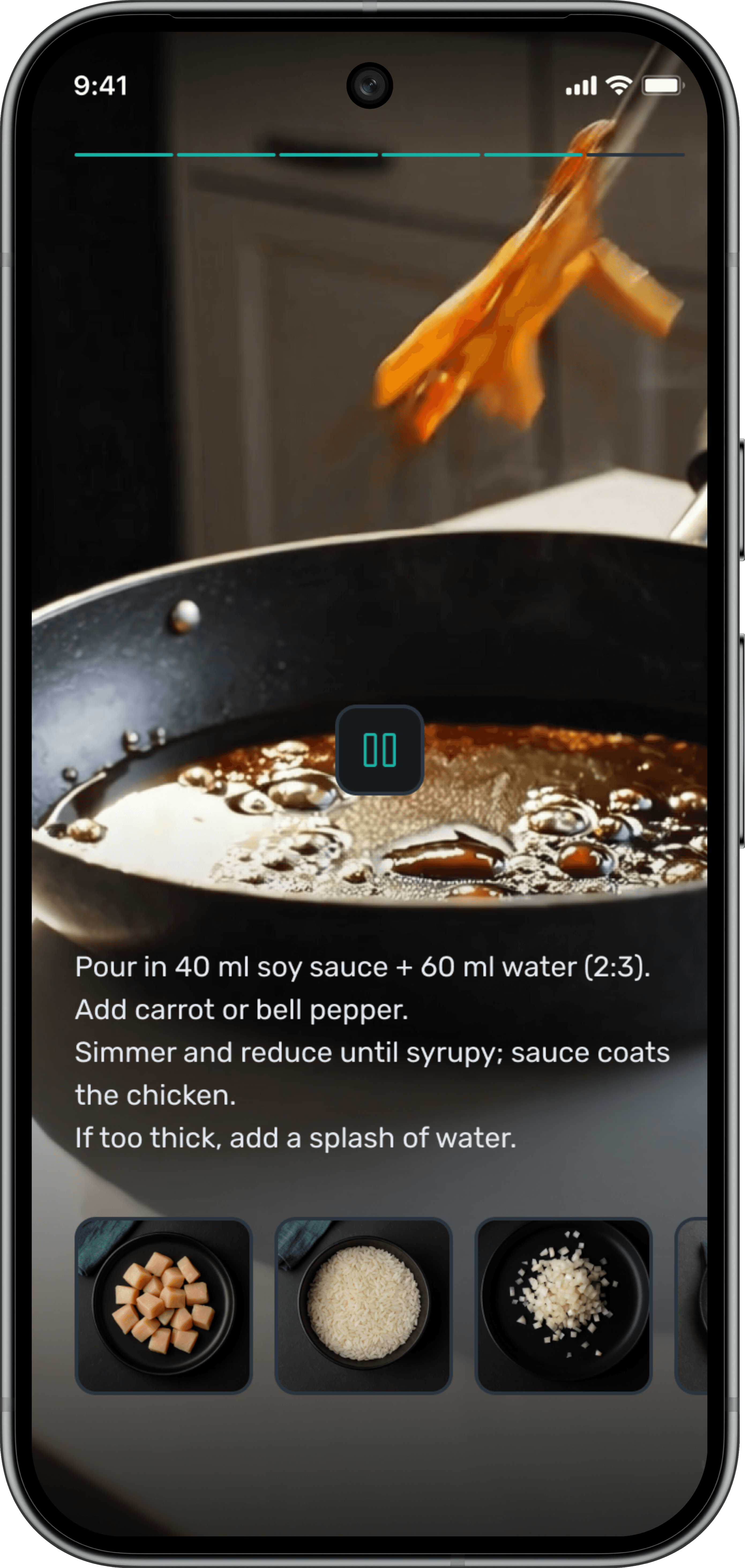
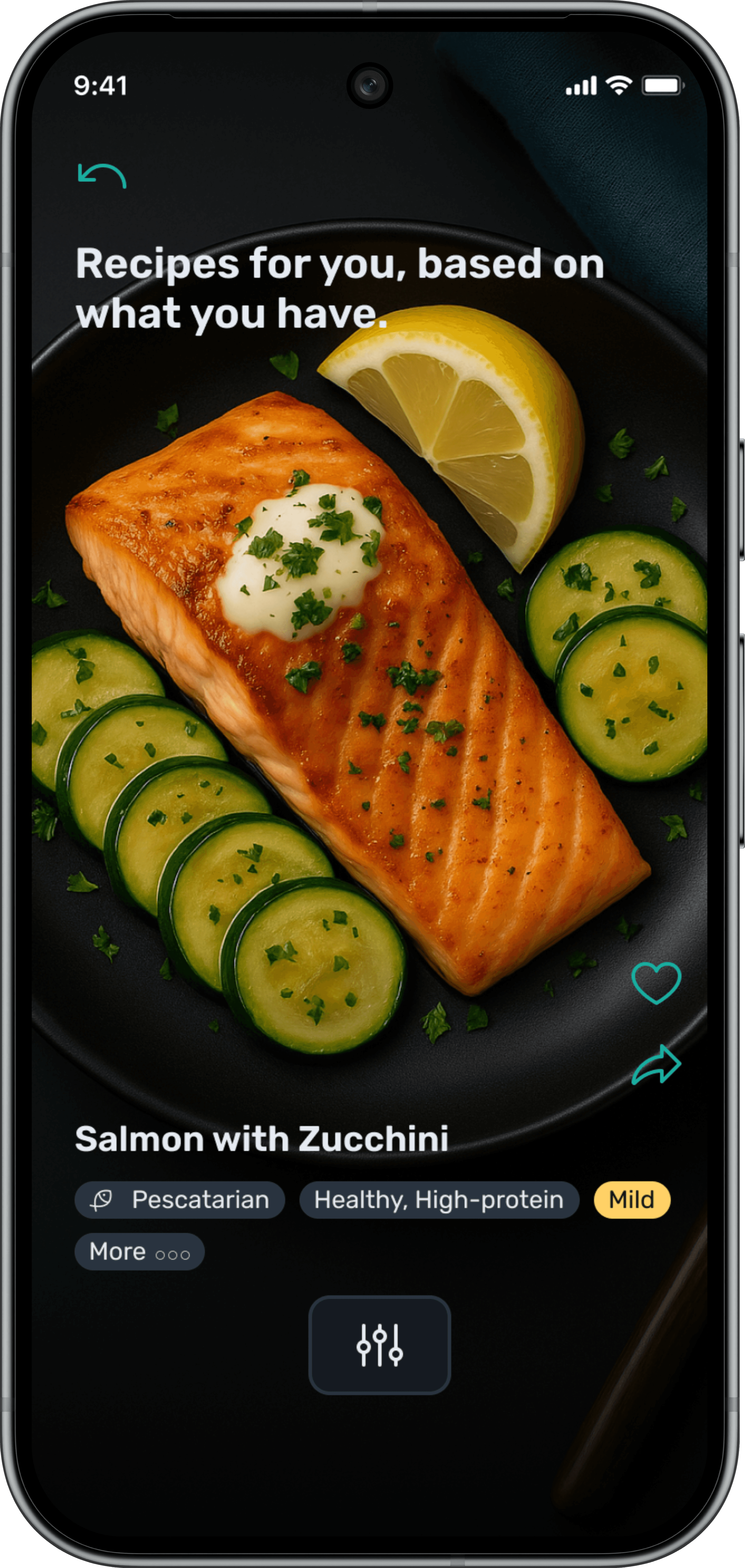
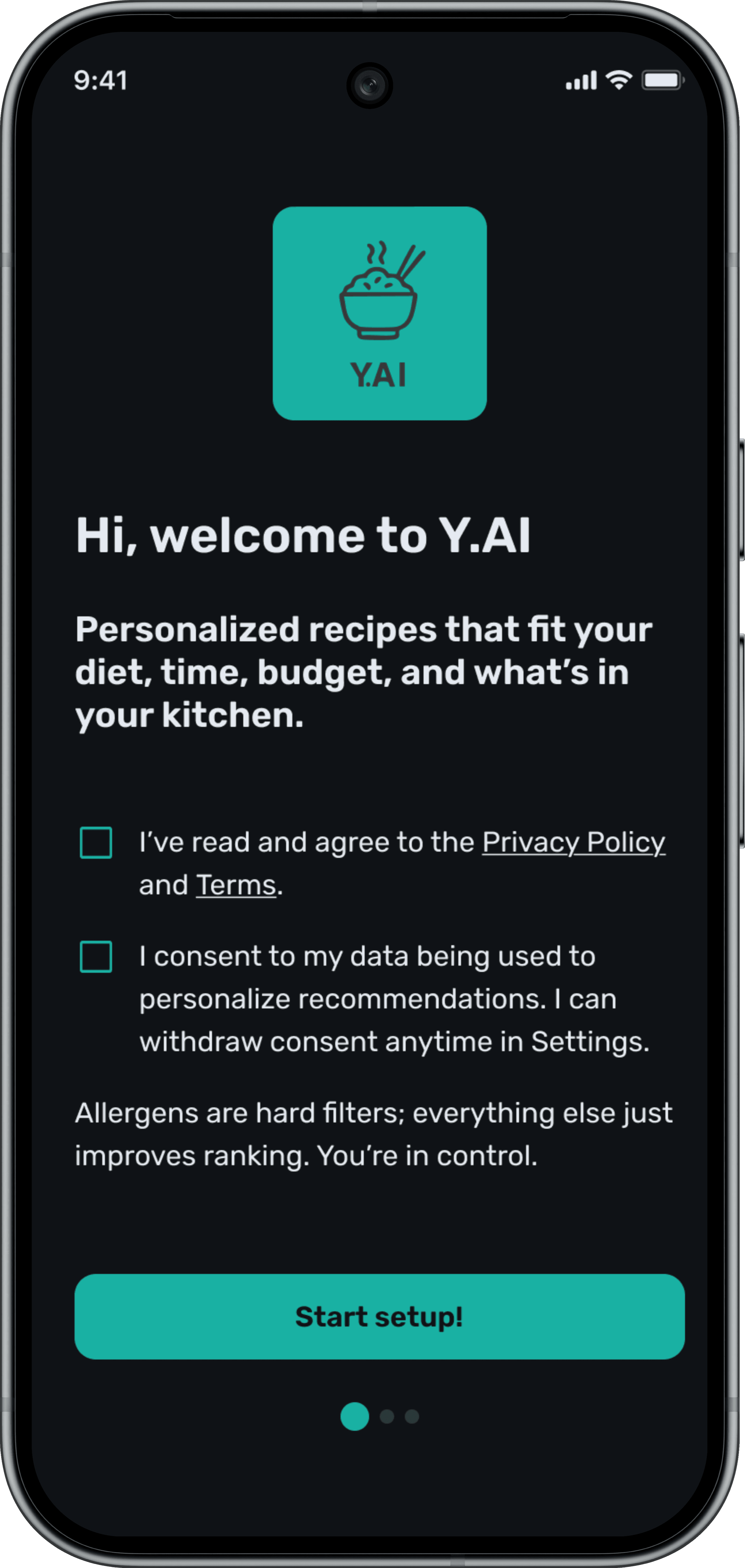
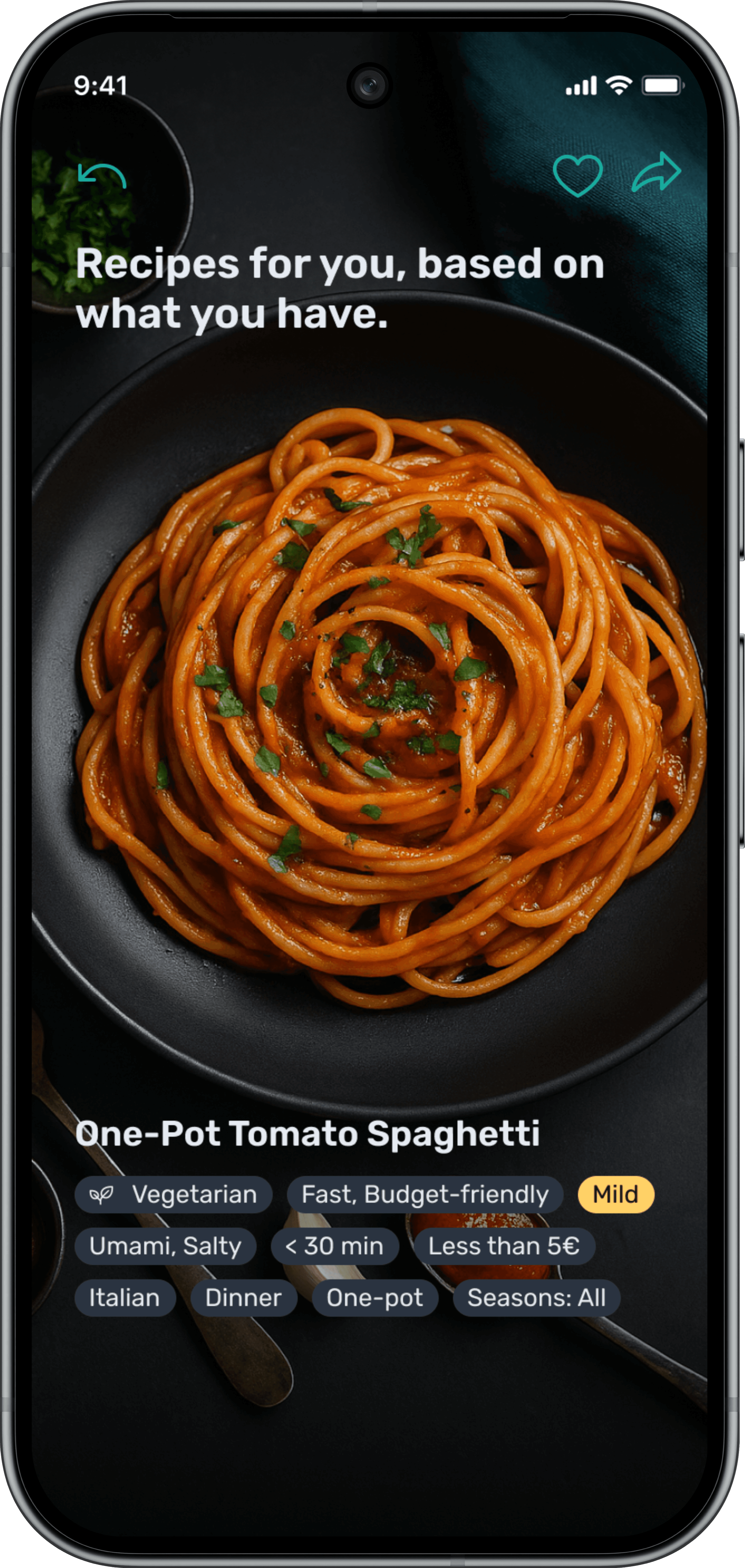
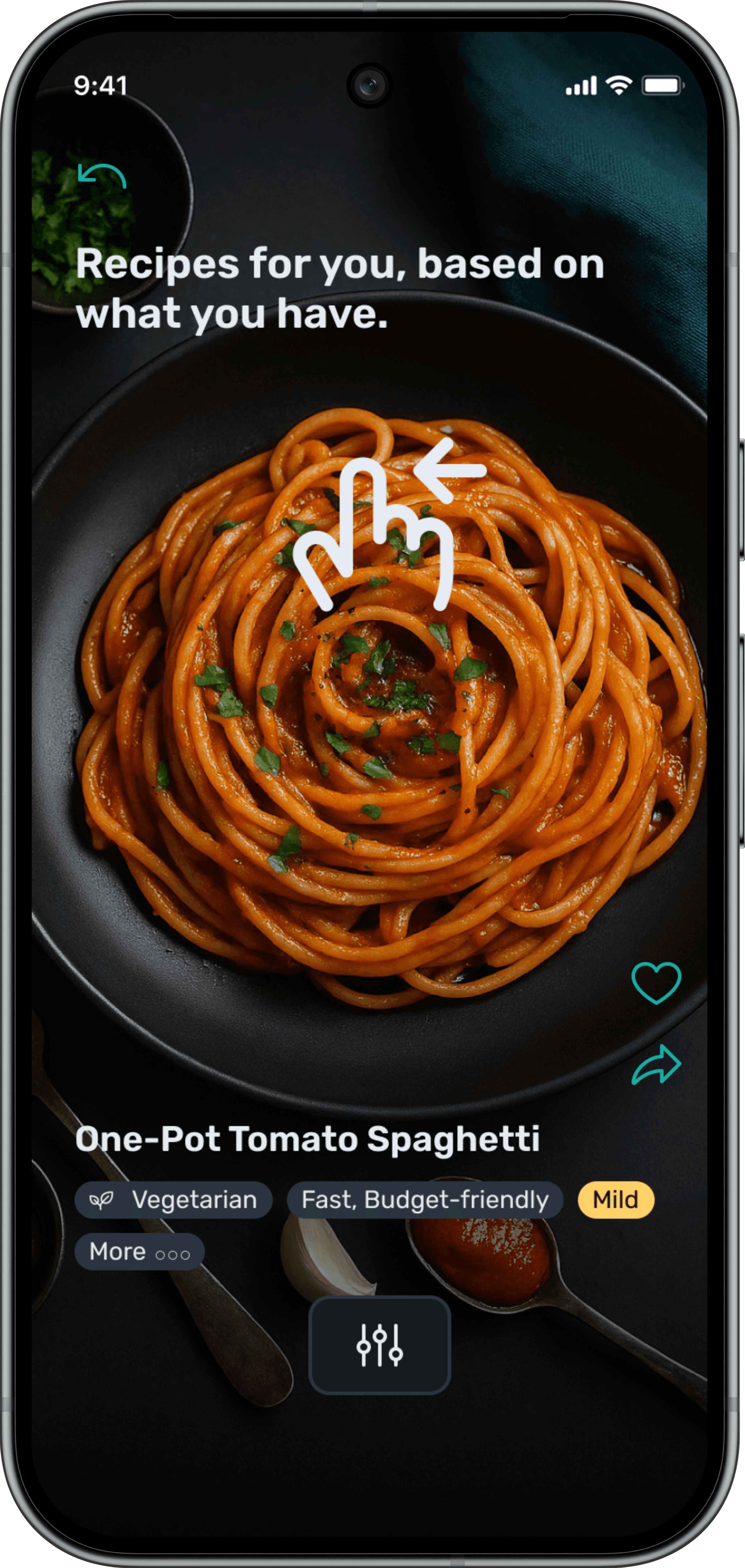
As part of my bachelor's thesis, I developed a recipe assistant that supports young adults in cooking independently. The application enables an intelligent, ingredient-based recipe search that allows users to spontaneously create meals from available ingredients. Ideal for those who are conscious of time and budget. I followed the user-centered design process, conducting a market and competition analysis, carrying out an online survey with 132 participants, creating personas and user journeys, and developing an accessible information architecture and an interactive prototype. I then validated and optimised the prototype through usability tests with the target group. The final recipe assistant design integrates AI-supported functions and intelligent filters.
How it started
How do you design an intuitive recipe assistant interface that motivates young people to cook more often while also providing barrier-free access for everyone?
Solution
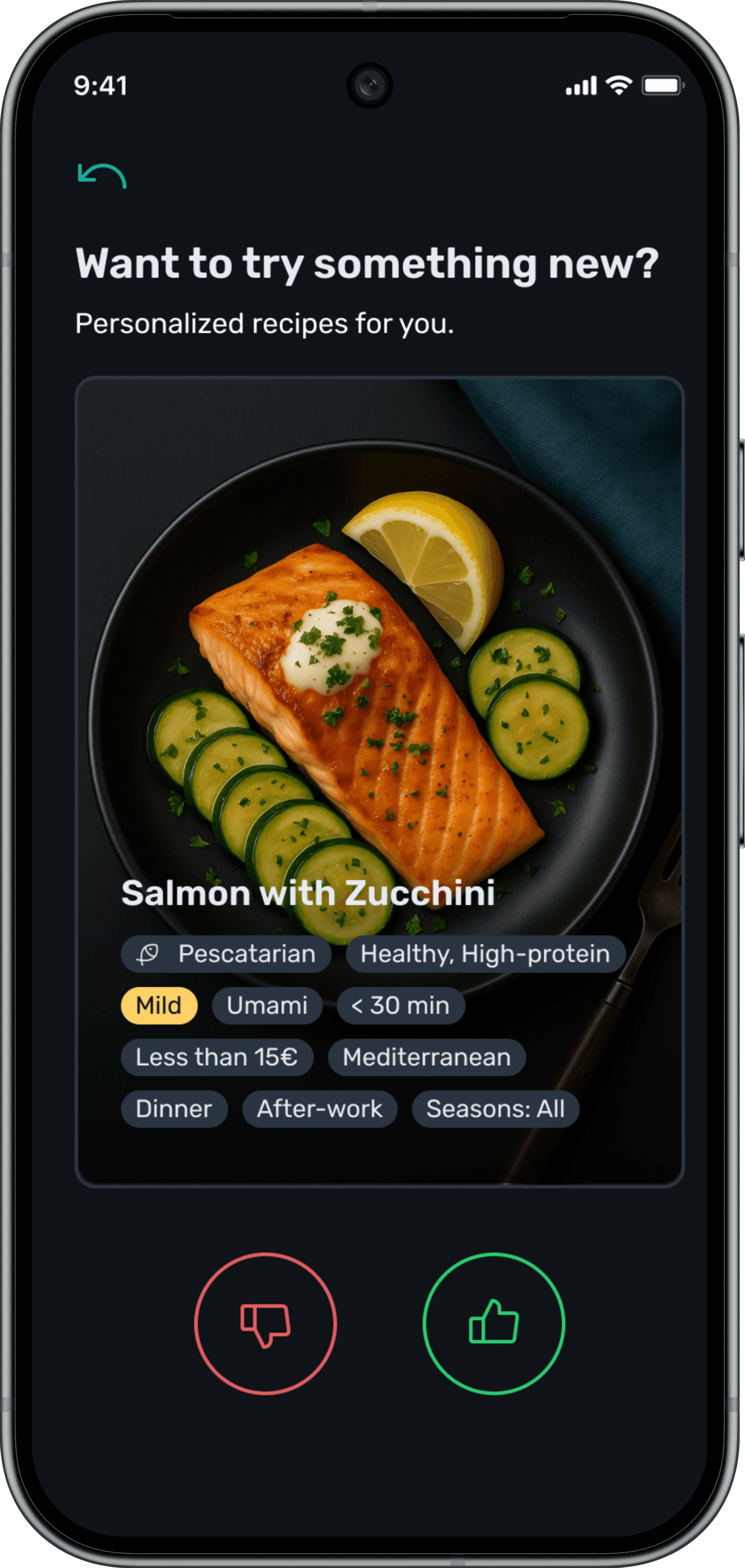
Personalised recipe recommendations that motivate.
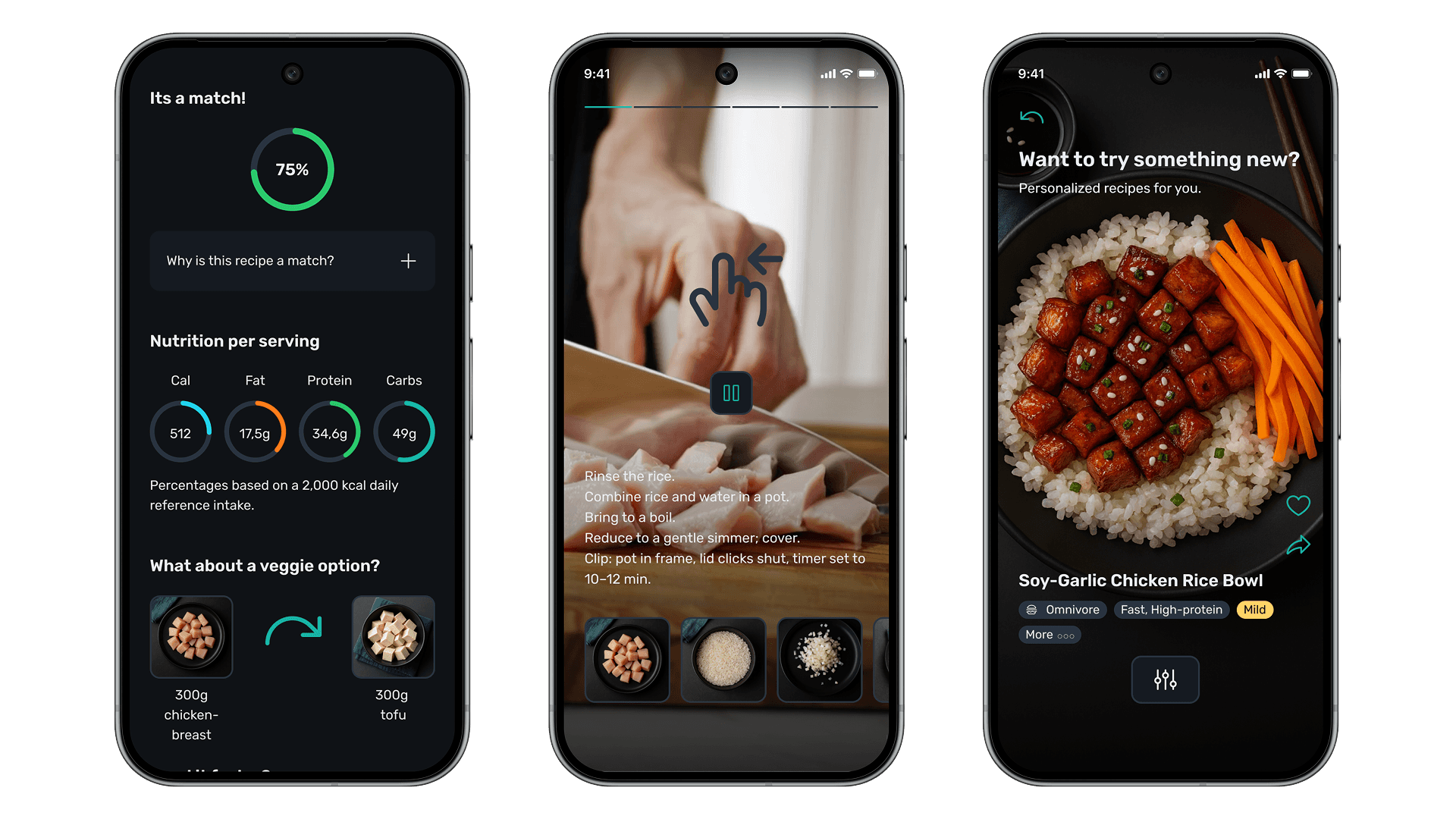
The app combines ingredient-based filtering with intelligent, AI-powered suggestions to make cooking easier for young people. An adaptive filter logic system continuously learns from user behaviour, offering relevant, personalised recipe recommendations.
Competitive Analysis
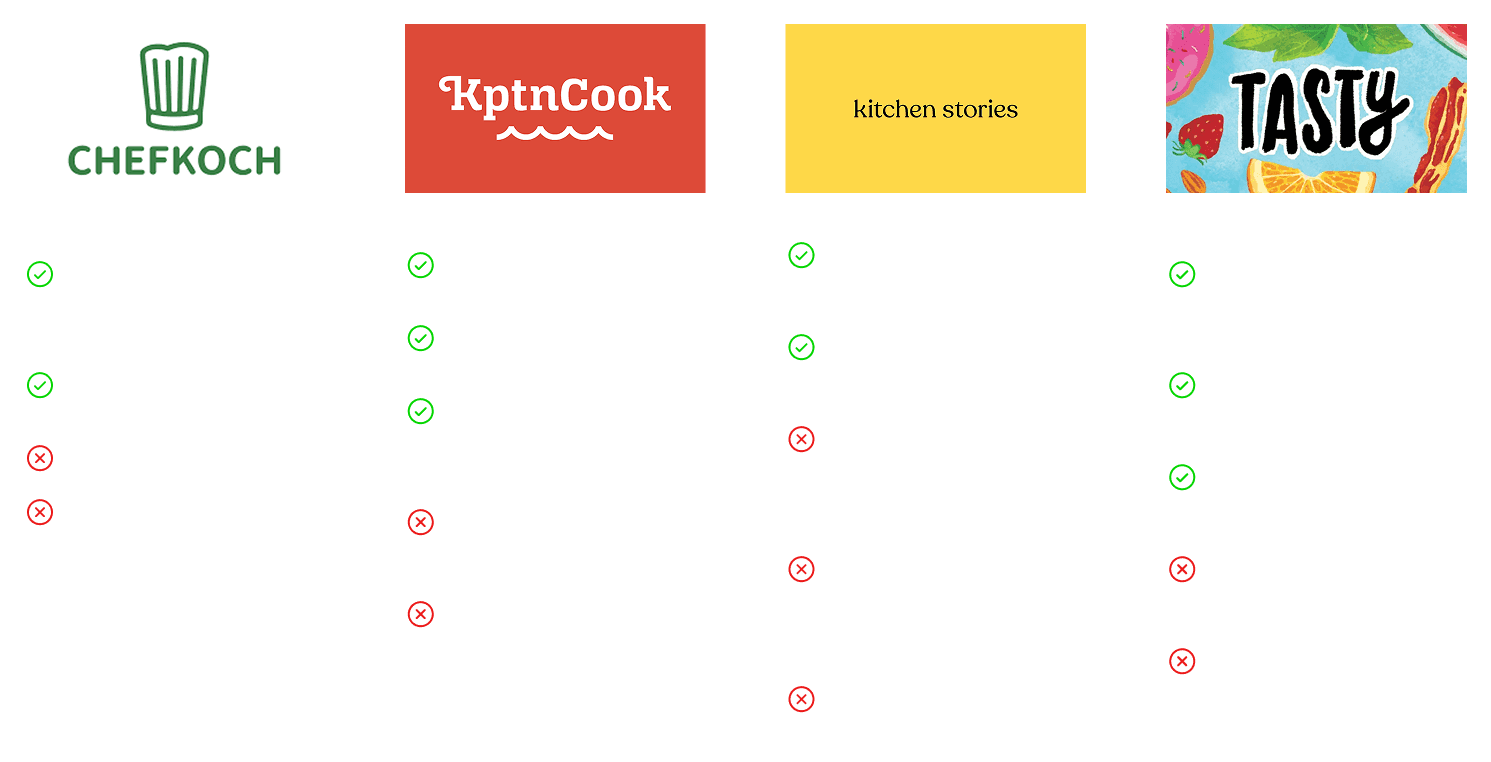
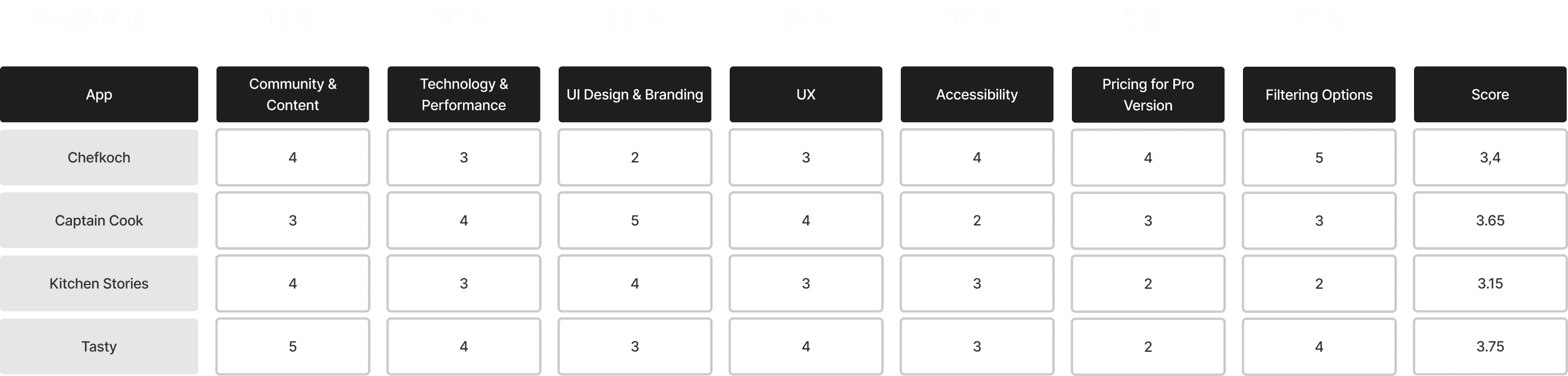
For my competitive analysis, I selected four market leaders: Chefkoch, KptnCook and Kitchen Stories as dominant apps in the German market, and Tasty as a global best practice example with high market penetration in the USA. This selection allowed me to consider both local and international standards. I systematically analysed all four apps using seven weighted evaluation criteria and rated them according to a scoring model with a scale of 1 to 5 points. The results of this structured analysis formed the basis for deriving specific requirements and differentiating features for my recipe assistant.
Empirical study

As part of my bachelor’s project, I conducted an empirical study using an online questionnaire. I distributed the survey within my personal network and sent it out to fellow students at my university, resulting in 132 participants. The strong response highlighted a significant interest in an app like the one I envisioned. My survey explored cooking habits, motivations for cooking, and common barriers that often lead people to choose convenience products or order takeout. The questionnaire included both closed and open-ended questions, which helped me gather detailed insights and define the requirements for my app. The main features users wanted were: a recipe search based on available ingredients, personalized recipe recommendations, user-friendly navigation, and clear step-by-step cooking instructions.
User Personas
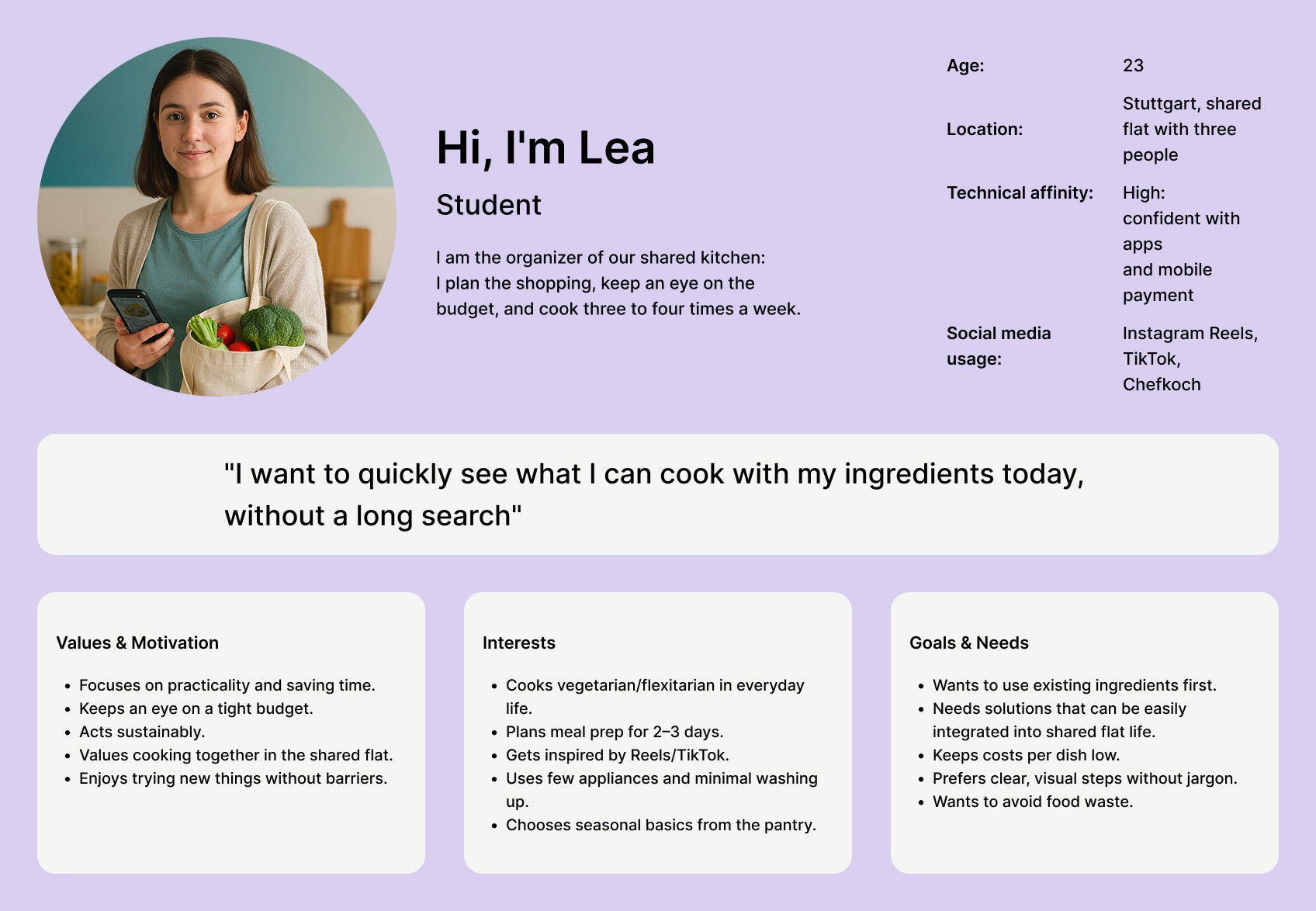
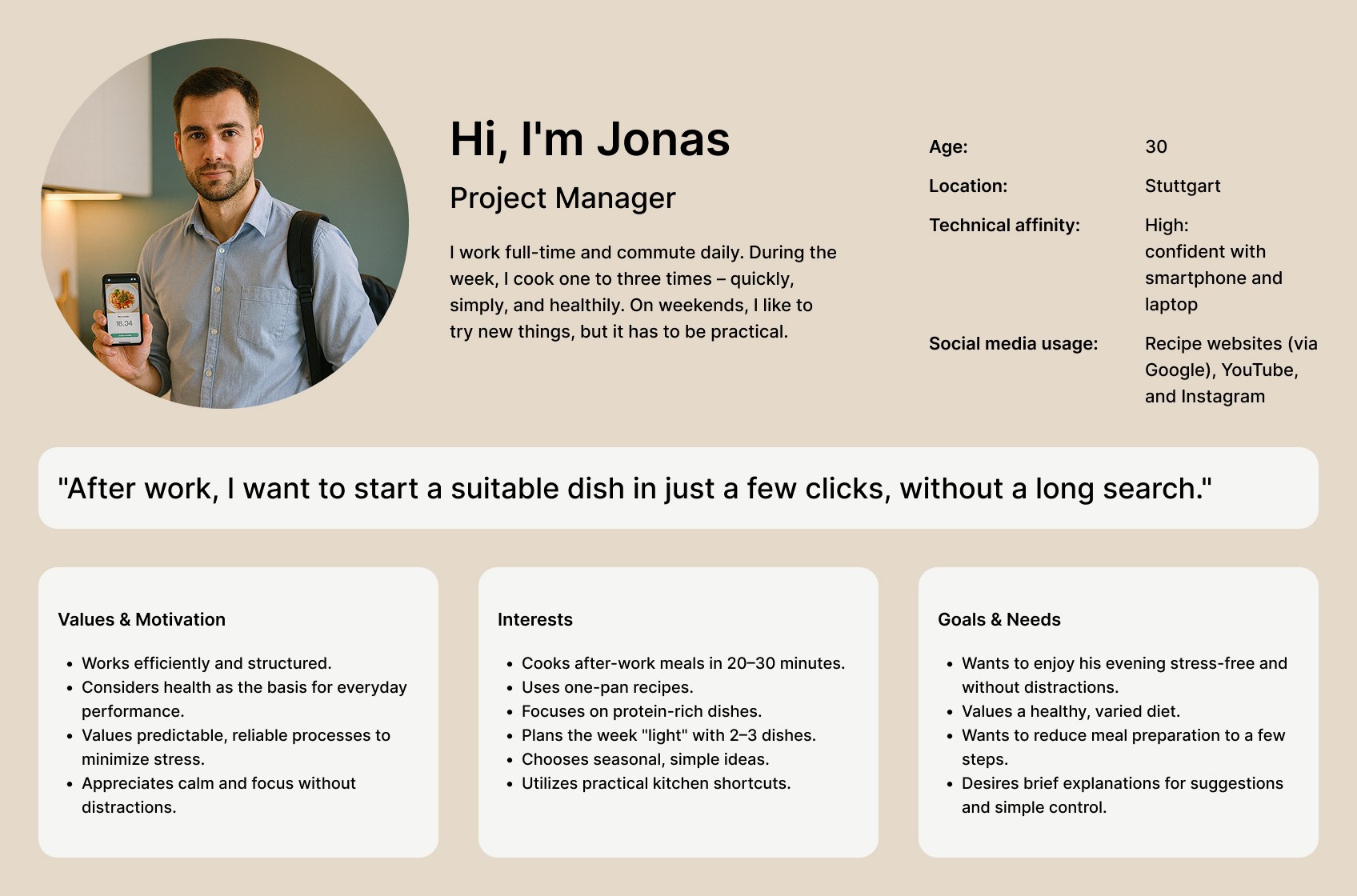
After the survey, I created two user personas and developed corresponding user journey maps to bring my target audience to life. One persona represents the student segment, whose main motivation is cooking with available ingredients. The second persona stands for the working professional segment, focusing on the need for personalized recipe recommendations. This approach helped me better understand my users’ different needs and motivations, and supported key design decisions throughout the project.
Information architecture & core concept
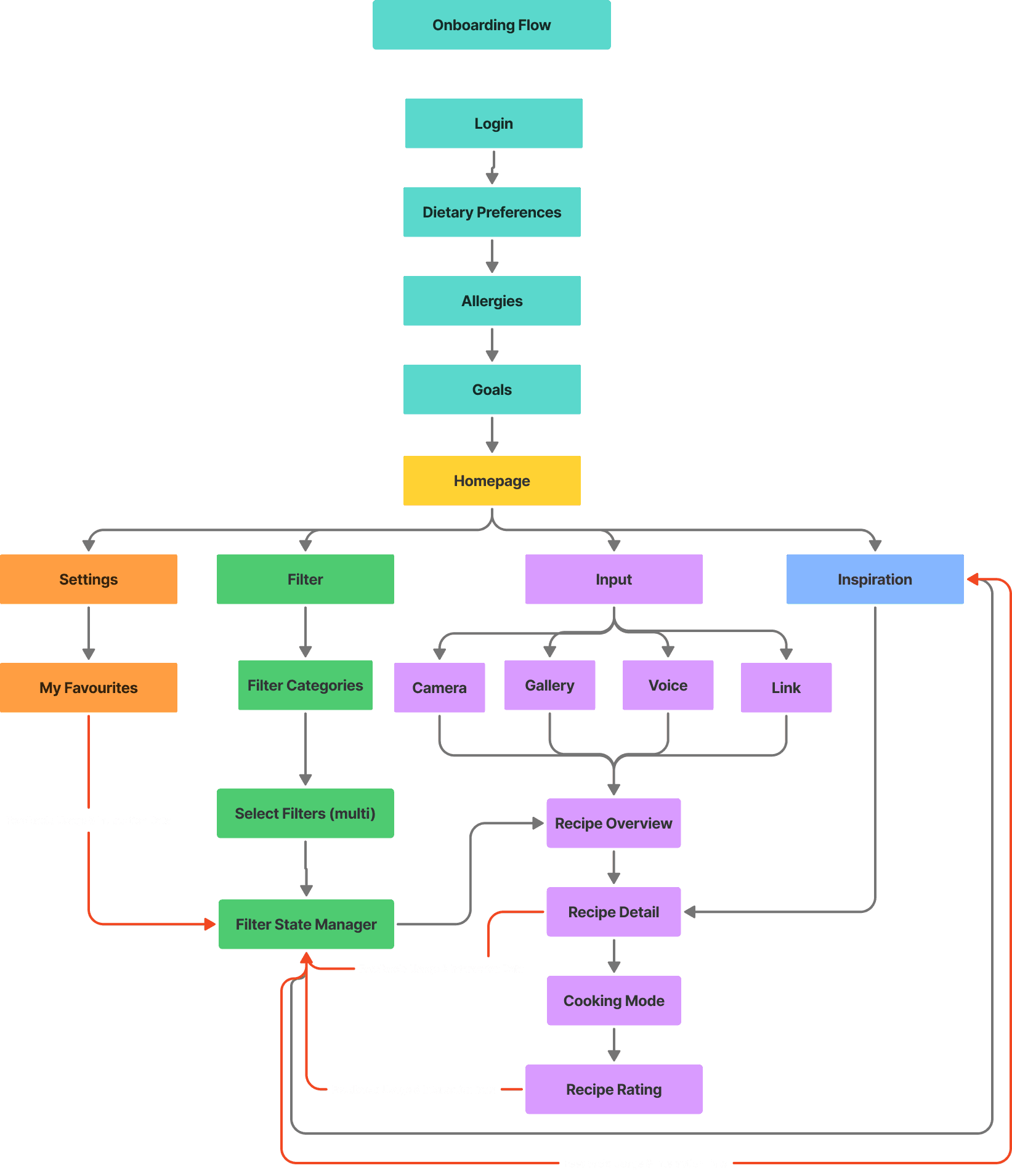
Based on the insights gathered from my competitive analysis and online survey, I developed a concept for the app’s information architecture. I structured the app flow to illustrate how users would navigate through the application. A key innovation in my design is the integration of AI via a Filter State Manager, which acts as the app’s memory by tracking the filters users apply and ensuring that all parts of the app display accurate, personalized recipe results. The Filter State Manager collects, manages, and coordinates filter criteria and user preferences. Through a continuous feedback loop, the AI updates all relevant modules each time a filter is changed, enabling highly personalized recipe suggestions.
The filtering logic works as follows: Within a category, an “OR” logic applies, meaning a recipe is shown if it matches at least one of the selected criteria. Between different categories, an “AND” logic is used, so a recipe only appears if it meets criteria across multiple selected categories simultaneously. Additionally, a points-based ranking system assigns more weight to primary criteria like “quick cooking” and less to secondary criteria such as “cuisine type.” Recipes with higher total points are prioritized and appear higher in search results.
Visual Style
Color Palette
5 color categories
Typography
Rubik Font in Semi Bold and Regular
Icon Set
Icon set from the Phosphor Icon Library
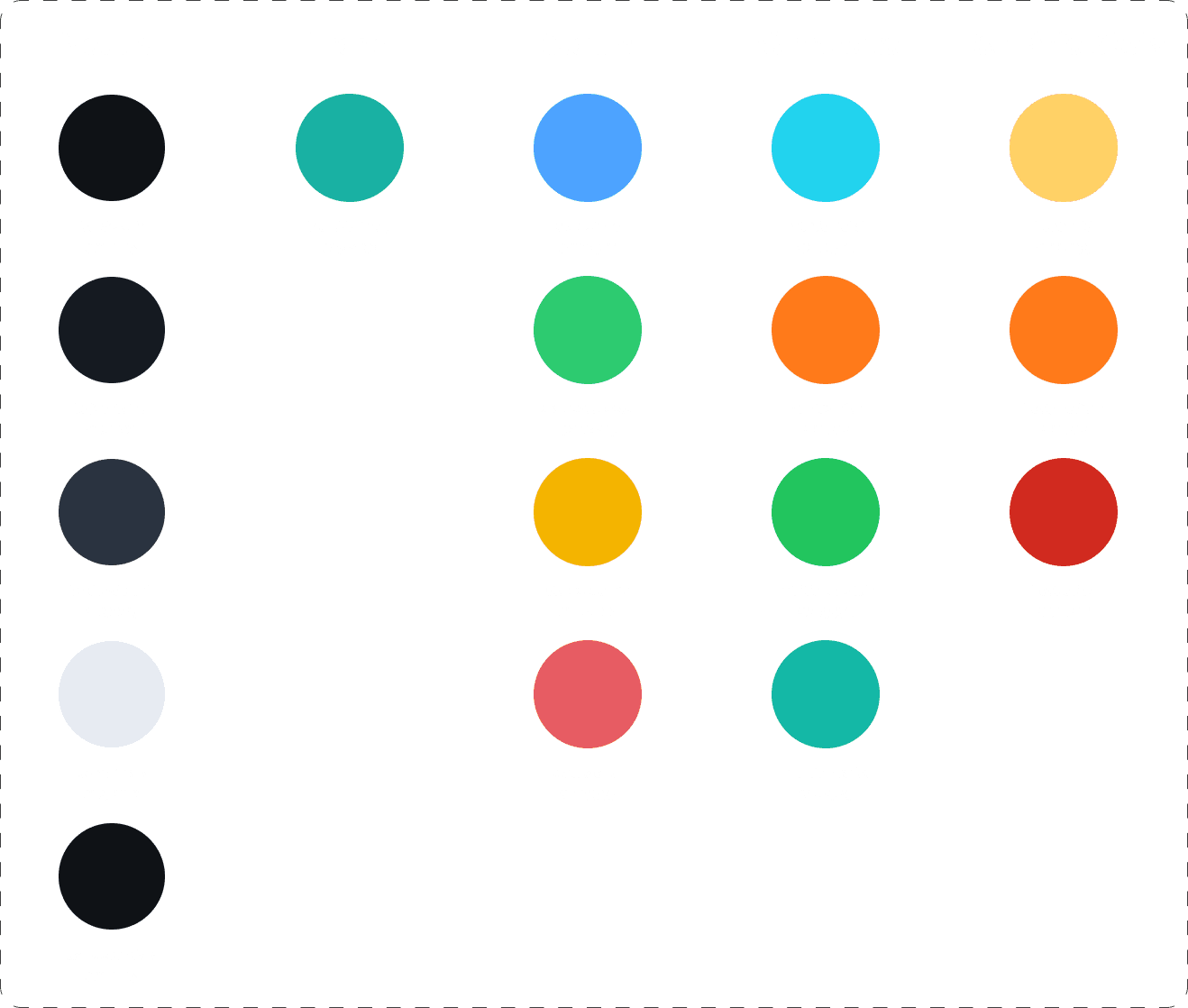
For the visual style of the app, I chose a Dark Mode as a core design philosophy. This decision was motivated by the competitive analysis, where KptnCook stood out for its appealing design, and my user survey, which showed strong interest in an aesthetically pleasing interface. Dark Mode not only looks modern but also reduces eye strain, especially in low-light environments, enhancing user comfort.
The color palette uses neutral shades for backgrounds and text to ensure readability and a clean appearance. The brand color is used strategically for call-to-action buttons and navigation elements to create clear visual hierarchy and guide user interactions. Status colors follow common UI standards for intuitive recognition. Specific color scales like the nutrition value indicators and a sharpness scale—ranging from yellow to red—were selected based on users' natural associations.
For typography, I selected the Rubik font because it offers optimal readability even at small sizes and pairs well with Dark Mode’s overall aesthetic. The icon set consists of 22 icons in two sizes (32px for main navigation and 24px for other uses), chosen for their modern look and harmony with the Rubik typeface, reinforcing a consistent and contemporary visual language throughout the app.
Usability Test
For my usability test, I used the Thinking Aloud method to evaluate the first version of my high-fidelity prototype. This moderated test asks participants to verbalize their thoughts while interacting with the app, providing valuable insights into their functional and emotional responses.
The test focused on three central questions:
Can users navigate all app functions without difficulty?
Do they find the app motivating and helpful?
Does the interface meet the expectations of the target group?
Based on the insights gathered from the usability test, I optimized the app’s design to better align with user needs and improve overall experience.